Bibata Original Classic Cursor
Try this cursor
Preview Bibata Original Classic Cursor in this sandbox. Hover and click - no extension needed for a test on this page. Download PNG, JPG, or CUR
Move here to see the default cursor
 DefaultMove around the board
 PointerHover a button or link
Description
The Custom Bibata Original Classic Cursor is an excellent choice for anyone looking to add a distinctive touch to their desktop. This cursor elegantly blends classic style with a modern perspective, offering a visually pleasing experience with every mouse movement. Its high-quality design and unique character make it an ideal way to showcase your personality and taste.
Whether for work or leisure, the Custom Bibata Original Classic Cursor enhances your computing experience with a touch of sophistication.
What's included in the package
- Default Cursor
- Pointer (Hand)
How to install a custom cursor pack Bibata Original Classic Cursor
Install the Cursor Space extension for Chrome or Cursor Space for Edge in your browser.
On this page, click "Add this cursor pack to the extension".
Open the extension and go to the Packs tab.
Find the custom cursor pack "Bibata Original Classic Cursor" and click it.
Enjoy!
Ready to install?
Get this cursor pack and thousands of others by installing our extension. It's fast and free!
Install for ChromeAbout this cursor pack
Bibata Original Classic Cursor is a themed cursor pack you can add to your browser to personalize your pointer across common cursor states (default and pointer). Use it for everyday browsing, streaming, studying, or gaming-anywhere you want your cursor to match your vibe.
Instant preview
See how the cursors look before installing.
Easy install
Add the pack to the extension in a few clicks.
Works in your browser
Designed for Chrome and Edge via the extension.
FAQ
Quick answers to common questions about cursor packs, collections, and installation.
Do I need an extension?
Yes. To apply cursor packs in Chrome or Edge, install the Cursor Space extension and add this pack to it.
Which browsers are supported?
Cursor packs are designed for Chromium browsers like Chrome and Microsoft Edge.
How do I switch back to the default cursor?
Open the extension, choose another pack or disable the current one to return to your default cursor.
Can I try the cursor before installing?
Yes. Use the Try this cursor section on this page to preview default, pointer, and other states. Add the pack to the extension to use it across the web.
Can I download the cursor files?
Yes. Open Download files on this page for Arrow and Pointer PNG, JPG, and CUR (hotspot included). You can also copy CSS, Roblox, Unity, and Godot snippets.
Popular cursors today
Custom cursor and packs - neon, anime, pixel art. Quickly add to Chrome and Microsoft Edge for free
- Top 1
 Kamisato Ayaka cursorСustom cursor with Ayaka includes a mouse cursor in the form of a fan and a hover pointer with Kamisato Ayaka.
 - Top 2
 Yellow cursorTransform your screen with a lively yellow custom cursor from Custom Cursor Space. Click and scroll with flair, adding a touch of personality to your display!
 - Top 3
 Polar Bear and Sled cursorA polar bear that is funny illustrated for our polar bear and sled custom cursor from Merry Christmas and Happy New Year custom cursors collection for the mouse.
  Zombie Batman cursorZombie Batman custom cursor for the mouse with the monstrous Batman hovers in our incredible DC cursors collection for Chrome.
 Yoshi cursorYoshi, the lovable dinosaur-like character, is both an ally of Mario and Luigi and a sidekick to Mario in the main series
 Undertale Frisk cursorGet Undertale and Deltarune cursor with Frisk for your browser.
 Undertale Burgerpants cursorBurgerpants custom cursor for the mouse is a good fan art in Undertale and Deltarune cursor collection for Chrome.
 Umbreon cursorUmbreon cursor as a cursor for mouse and a pointer in a stylish design will look pretty nice on your screen.
 Tsunade cursorWell-designed Tsunade cursor for mouse will be loved by Naruto fans. There is a custom cursor with Katsui and Tsunade as a hover in a set of Naruto cursors for Chrome.
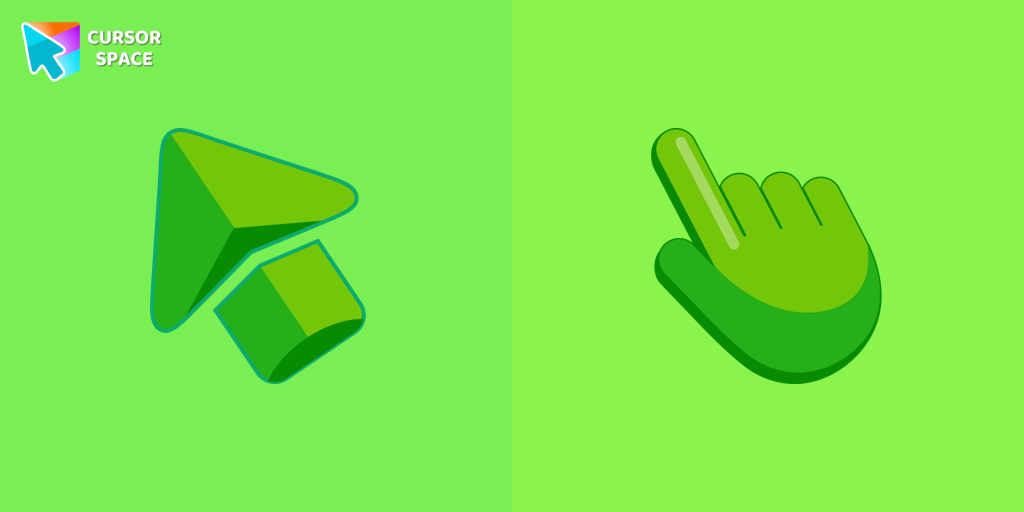 Green cursorEnhance your browsing experience with the charming Green custom cursor, a delightful upgrade that transforms your ordinary pointer with style and playfulness.
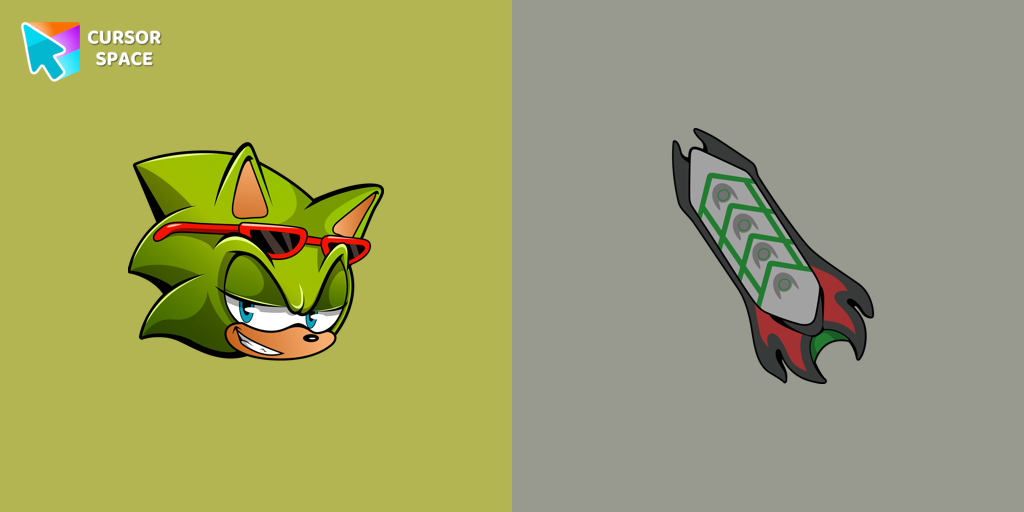 Scourge the Hedgehog cursorScourge the Hedgehog custom cursor for the mouse is a pretty fan art in a Sonic the Hedgehog cursor collection for Chrome.
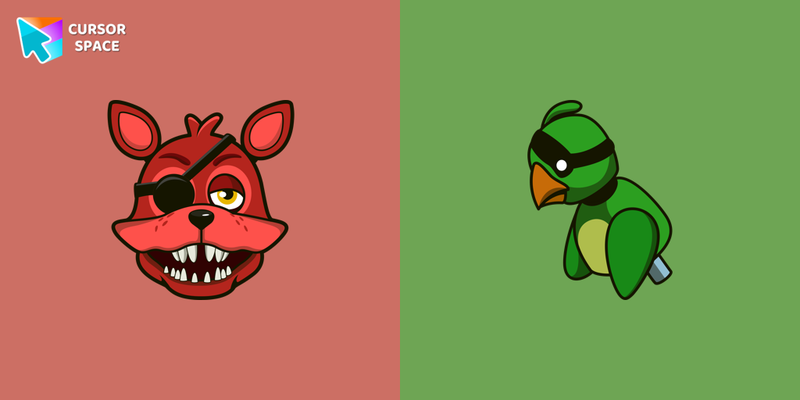 Rockstar Foxy cursorCool custom cursor with Foxy includes a mouse cursor in the form of a green parrot and a hover pointer with Rockstar Foxy.
Collection hits
Installation leaders from "Bibata Cursor Collection": free packs, neon/anime/pixel art, quick add to Chrome and Edge.
- Top 1
 Bibata Modern Classic CursorEnhance your desktop with Bibata Modern Classic Cursor - a stylish custom cursor that combines elegant design with classic comfort for everyday use.
 - Top 2
 Bibata Modern Ice CursorEnhance your desktop with Bibata Modern Ice Cursor, a stylish and elegant custom cursor inspired by ice, perfect for a memorable user experience.
 - Top 3
 Bibata Spirit CursorEnhance your digital experience with the elegant Bibata Spirit custom cursor, offering sleek design, smooth navigation, and improved visibility
  Bibata Ghost CursorElevate your digital experience with the Bibata Ghost custom cursor—sleek, translucent, and minimalist, offering smooth navigation and a sophisticated style.
 Bibata Original Ice CursorRefresh your desktop experience with Bibata Original Ice, a stylish custom cursor featuring transparent shades and a unique ice effect for everyday use.
 Bibata Original Rose Pine CursorElevate your digital experience with the sophisticated Bibata Original Rose Pine custom cursor, where stylish design meets smooth, precise navigation.
 Bibata Original Amber CursorEnhance your workspace aesthetics and efficiency with Bibata Original Amber Cursor, a custom cursor offering refined design and excellent visibility.
 Bibata Tinted CursorEnhance visibility and productivity with the Bibata Tinted custom cursor - stylish, nimble, and vibrant for a personalized browsing experience.
 Bibata Modern Amber CursorUpgrade your desktop with the Bibata Modern Amber custom cursor—stylish, sleek, and functional, offering enhanced visibility and a unique amber touch.
- Bibata Modern AmberThe Bibata Modern Amber Cursor is a stylish design with a sleek amber hue, ideal for enhancing any computer interface.
Install Cursor Space - A Collection of Custom Cursors for Chrome & Edge
Add packs instantly and unlock access to thousands of cursors: neon, anime, pixel-art, and more. Fast, safe, and free.
- Free cursor packs
- HD/HiDPI & animated icons
- Quick browser installation
Cursor Space is an extension for changing your mouse cursor in Chrome and Edge browsers: themed collections, HiDPI icons, neon, animated, and pixel cursors, with quick installation.